


You’re probably paying for AI tools that free alternatives can beat. The landscape has completely shifted in 2026 – free AI websites now offer features that rival or surpass expensive premium services, making paid subscriptions unnecessary for most users.
This guide is for content creators, developers, students, freelancers, and small business owners who want professional-grade AI tools without the monthly fees. You’ll discover the most powerful free AI websites that deliver results comparable to their paid counterparts.
We’ll explore the best free AI text and writing tools that can replace expensive writing software, examine top free AI image generation platforms that create professional visuals, and review essential free AI coding platforms that help developers build better software. You’ll also learn important considerations when choosing free AI tools to maximize their potential while avoiding common pitfalls.
Stop overpaying for AI when these free alternatives can transform your workflow at zero cost.
Best Free AI Text and Writing Tools

1. ChatGPT for Universal Content Creation and Coding
ChatGPT stands out as the most universal AI tool among free AI websites, offering an all-rounder solution for code, emails, and brainstorming. The free tier provides access to GPT-5.2 (Limited) and GPT-4o mini, along with valuable features like Deep Research (5 reports per month), web browsing capabilities, and dynamic caps. This versatile platform excels at writing content, debugging code, building comprehensive plans, creating scripts and workflows, making it an essential tool for content creators and developers alike.
2. Claude for Human-like Writing and Natural Conversations
Claude distinguishes itself by delivering exceptionally human-like writing and natural conversations, powered by the free Claude Sonnet 4.6 model. This free AI writing assistant excels in producing authentic, conversational content while also handling coding tasks effectively. However, users should note the limitation of having only a few messages per hour depending on traffic conditions, which may restrict intensive usage during peak times.
3. Google Gemini for Integrated Productivity and Research
Google Gemini offers a rich feature set that provides full access to Gemini 3 Flash and limited access to Gemini 3.1, making it one of the best free AI tools for productivity. Users receive 10 Deep Research reports monthly and 100 AI credits for creative tools, enhancing research capabilities significantly. The platform’s seamless integration with Google Docs and Sheets, combined with email summarization features, creates a comprehensive productivity ecosystem for professional and personal use.
4. Grok for Real-time Information and X Integration
Grok provides unique access to real-time X data and the Aurora image model, setting it apart from other free AI websites with its social media integration capabilities. This platform offers approximately 10 prompts every 2 hours, though users may experience stricter limits during peak usage times. The real-time information access makes Grok particularly valuable for staying updated with current events and trending topics across social media platforms.
Free AI Tools for Research and Information Processing

5. Perplexity for Intelligent Search and Cited Summaries
Perplexity revolutionizes research by synthesizing top search results into comprehensive cited summaries, making it an invaluable free AI website for knowledge workers. The platform’s free tier offers limited daily Pro searches using advanced models like GPT-4o or Claude 3, delivering faster results than traditional Google searches while providing accurate, sourced, and contextual answers.
6. NotebookLM for Document Analysis and Knowledge Management
Google’s NotebookLM transforms document analysis by allowing users to upload PDFs and web pages to create grounded summaries and facilitate discussions. The generous free tier includes 100 notebooks with 50 sources each, supporting up to 500,000 words total for comprehensive knowledge management.
7. Consensus for Scientific Research and Paper Analysis
Consensus stands out among free AI tools by searching through 200 million scientific papers to summarize research consensus effectively. Users benefit from unlimited basic searches and approximately 20-25 advanced queries monthly, making it essential for academic research and evidence-based decision making.
8. Humata for PDF Analysis with Precise Citations
Humata excels in PDF analysis by anchoring answers to specific document pages with clickable citations. The free tier accommodates up to 60 pages monthly, providing researchers with precise, traceable information directly linked to source material for enhanced credibility and verification.
Essential Free AI Grammar and Language Tools
9. Grammarly for Advanced Writing Enhancement
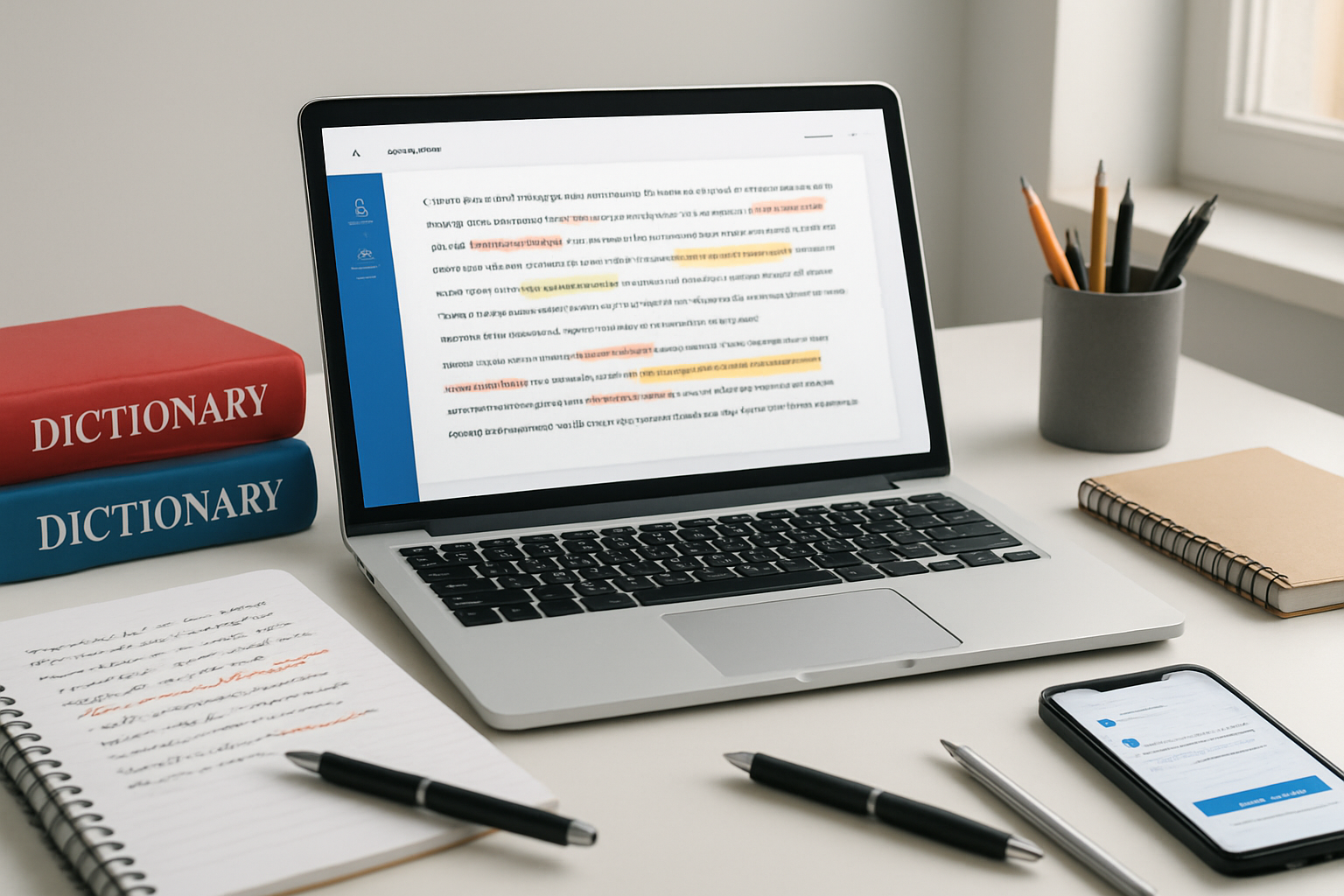
Grammarly stands as a powerful free AI writing assistant that delivers advanced writing enhancement features. The platform offers sophisticated tone detection capabilities and provides concise suggestions to improve writing quality. Users can access up to 100 prompts per month through the free tier, making it an excellent choice among free AI websites 2026 for writers seeking professional-level assistance.
10. LanguageTool for Multi-language Grammar Checking
LanguageTool provides comprehensive grammar checking across over 25 languages, positioning itself as one of the best free AI tools for multilingual content creators. The platform allows checking up to 10,000 characters per text and maintains an open-source friendly approach. This makes it particularly valuable for international writers and businesses requiring accurate grammar checking in multiple languages.
11. QuillBot for Text Rephrasing and Summarization
QuillBot excels in sentence rephrasing and text condensation, offering essential tools for content optimization. The free tier provides rephrasing capabilities for up to 125 words and summarization for texts up to 1,200 words. This functionality makes QuillBot a standout among free AI text generators, helping users refine their writing while maintaining original meaning and context.
12. DeepL and Google Translate for Accurate Translation
Both DeepL and Google Translate offer exceptional translation services with distinct advantages. DeepL delivers high accuracy while preserving file formatting, with free users receiving 3 files monthly and 5,000 characters per translation. Google Translate supports over 249 languages with unlimited free usage and real-time camera translation, making both platforms essential free AI tools for developers and content creators working across language barriers.
Free AI Coding and Development Platforms

13. Google Antigravity for Browser-based Coding Environment
Google Antigravity revolutionizes the coding experience with its agentic IDE based on VS Code, designed to automate complex coding tasks directly in your browser. Currently available in public preview, this free AI coding platform offers high access limits without cost, making it an exceptional choice among free AI tools for developers. The platform’s intelligent automation capabilities streamline development workflows, eliminating the need for expensive coding software subscriptions.
14. Cursor for Intelligent Code Prediction and Editing
Cursor stands out as a sophisticated free AI coding platform that predicts your next code edits and intelligently refactors entire code blocks. While it offers a comprehensive 2-week free trial, users continue to benefit from limited requests even after the trial period. This intelligent code prediction system learns from your coding patterns, making it one of the most effective free AI websites for development work.
15. GitHub Copilot for Code Autocompletion
GitHub Copilot integrates seamlessly within VS Code, providing advanced autocompletion while learning your unique coding style. Individual developers can access this powerful tool completely free, receiving 2,000 completions and 50 chats per month. This generous free tier makes GitHub Copilot a standout choice among best free AI tools for coding assistance and development productivity.
16. DataLab for Data Science and Dashboard Creation
DataLab operates entirely in your browser, connecting effortlessly to CSVs and databases while enabling comprehensive dashboard creation. The platform’s free tier includes 3 workbooks and 15 AI chats, providing substantial resources for data science projects. This browser-based approach eliminates installation requirements, making DataLab an accessible free AI website for data analysis and visualization tasks.
Top Free AI Image Generation Tools

16. Nano Banana for Photorealistic Images with Text
Nano Banana stands out among free AI image generation tools by specializing in photorealistic image creation with multi-lingual text integration. This powerful platform generates high-quality images through Gemini apps, though the free version includes watermarks on generated content.
17. ChatGPT Image for Conversational Image Editing
ChatGPT Image revolutionizes the editing process by enabling conversational image manipulation, making it one of the most user-friendly free AI websites 2026 has to offer. The free tier provides 2-3 images daily, allowing users to edit and refine visuals through natural language commands.
18. Leonardo.AI for Artistic Control and Custom Models
Leonardo.AI delivers exceptional artistic control and custom model training capabilities that rival premium platforms. The free tier offers 150 tokens daily, generating approximately 30-70 images, though created images remain public. This makes it ideal for users seeking advanced customization options.
19. Ideogram for Accurate Text Rendering in Images
Ideogram excels in accurate text rendering with its innovative “Magic Prompt” customization feature. Perfect for creating quote posts, YouTube thumbnails, and typography-based designs, the free tier allows 10-20 prompts daily, making it essential for content creators needing precise text integration.
Free AI Video Creation and Editing Platforms

20. Invideo AI for Complete Video Production
Invideo AI stands out among free AI video editing tools by offering comprehensive video production capabilities through intuitive chat commands. Users can create and re-edit videos seamlessly, with the free tier providing 10 minutes of content weekly and 4 exports, though videos include watermarks. This platform demonstrates how free AI websites 2026 can deliver professional-grade functionality without subscription costs.
21. Gemini Veo for Short Video Clips
Google’s Gemini Veo specializes in generating brief video clips ranging from 4 to 8 seconds, seamlessly integrating with the broader Google ecosystem. The free tier offers 100 monthly credits for creating watermarked videos, making it ideal for quick content creation needs.
Bonus Tools!
22. Runway ML for Cinematic Video Generation
Runway ML provides advanced cinematic control and sophisticated motion tools for professional video generation. Their free tier includes 125 credits, supports up to 3 projects, and offers 5GB of asset storage, positioning it among the best free AI tools for creative professionals.
23. Synthesia and HeyGen for Avatar-based Videos
Both platforms excel in avatar-based video creation with distinct strengths. Synthesia focuses on business applications, offering 10 minutes monthly with 9 stock avatars and localization features. HeyGen emphasizes lip-sync technology and video translation, providing 3 monthly videos (1-3 minutes each) at 720p resolution, showcasing how AI websites better than paid alternatives can deliver specialized functionality.
Free AI Audio and Voice Processing Tools
24. Otter.ai for Meeting Transcription and Notes
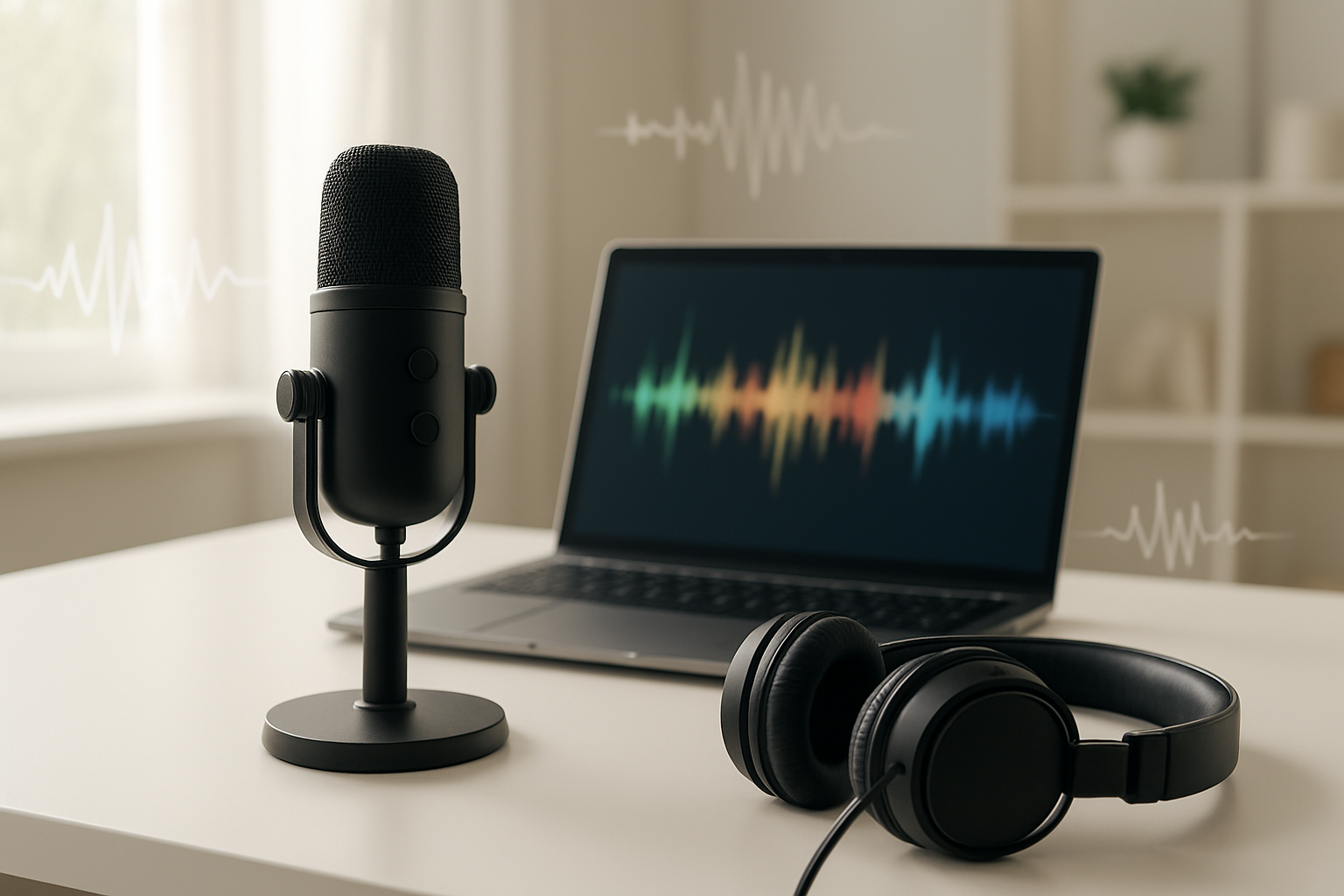
Otter.ai revolutionizes meeting documentation by automatically transcribing conversations with impressive accuracy. The platform offers 300 minutes of transcription per month on its free tier, making it ideal for regular business meetings and interviews. Its advanced speaker identification feature distinguishes between different participants, creating organized, searchable meeting notes that can be easily shared with team members.
25. Whisper for Open-source Audio Transcription
For unlimited transcription needs, Whisper stands out as OpenAI’s open-source solution among free AI tools for developers. This powerful tool provides unrestricted hours of audio transcription without monthly limitations. Users can run Whisper locally on their machines or utilize cloud platforms like Google Colab, offering flexibility for various technical setups and privacy requirements.
26. ElevenLabs for Realistic Text-to-Speech
ElevenLabs delivers exceptionally natural-sounding voice synthesis through its cutting-edge text-to-speech technology. The free tier provides 10,000 characters monthly, equivalent to approximately 10 minutes of high-quality audio generation. This allocation suits content creators, educators, and developers who need professional-grade voice synthesis for presentations, videos, or accessibility features.
27. Adobe Podcast Enhance for Audio Quality Improvement
Adobe Podcast Enhance transforms poor-quality recordings into professional-sounding audio by intelligently removing background noise and echo. The free version offers one hour of audio enhancement daily, making it perfect for podcasters, content creators, and remote workers who need to improve their audio quality without investing in expensive equipment or software subscriptions.
Important Considerations When Using Free AI Tools

Privacy and Data Usage Policies
When exploring these free AI websites in 2026, understanding privacy implications becomes crucial. Most free AI tools utilize user conversations and inputs for training their models, meaning your data contributes to improving their systems. This practice requires careful consideration—avoid sharing sensitive personal information, confidential business data, or proprietary content when using free AI platforms.
Usage Limits and Dynamic Restrictions
Free AI tools implement various restrictions to manage server costs and encourage premium upgrades. These limitations include dynamic usage caps, request throttling during peak hours, and reduced processing speeds. Some platforms adjust restrictions based on demand, meaning access may vary throughout the day. Understanding these constraints helps set realistic expectations when integrating free AI websites into your workflow.

The landscape of free AI tools in 2026 has reached unprecedented levels of sophistication, offering capabilities that rival or exceed many paid alternatives. From ChatGPT’s versatile writing and coding assistance to Perplexity’s research prowess, these 39 free AI websites demonstrate that powerful artificial intelligence is now accessible to everyone. Whether you need text generation, image creation, video editing, coding support, or language translation, there’s a high-quality free solution available that can transform your workflow without breaking the bank.
The key to maximizing these tools lies in understanding their limitations and choosing the right tool for each specific task. While free tiers come with usage caps, privacy considerations, and sometimes watermarks, they provide an incredible opportunity to experiment, learn, and integrate AI into your daily routine. Bookmark these websites, test them with your projects, and discover which ones align best with your needs. The AI revolution is here, and with these free resources at your disposal, you’re equipped to leverage its full potential in 2026 and beyond.
About The Author